
Claude Code Guide Refresh: 14 Chapters, 3 New Topics, Updated Cheatsheet
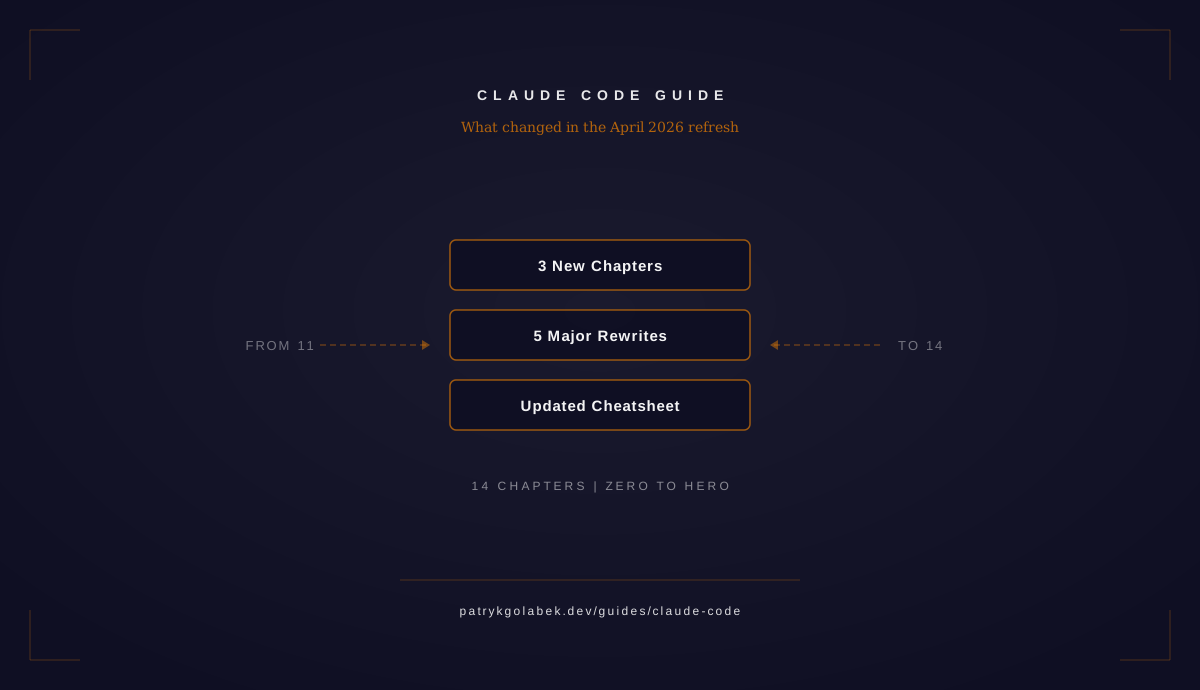
The Claude Code Guide launched in March 2026 with 11 chapters covering everything from first installation through multi-agent orchestration. Since then, Anthropic has shipped major updates to Claude Code including Auto Mode, 1M-token Opus context, a plugin marketplace, desktop GUI control, and embeddable SDKs. The guide is now 14 chapters with substantial rewrites across every existing chapter to reflect six months of rapid evolution.
Three New Chapters
Plugins
Skills were always local to a project. You could define them in .claude/skills/ and they worked brilliantly within that repository, but sharing them across teams or the community required manual copying. Plugins change this by making skills shareable, discoverable, and installable through a marketplace.
The Plugins chapter covers the manifest format that declares what a plugin provides, the bin/ directory for executable tools, the userConfig system for per-user customization, and how to publish to the plugin marketplace. If you have been building custom skills for your team, Plugins are the distribution layer that turns local automation into reusable packages.
Agent SDK
The Agent SDK chapter covers the Python and TypeScript SDKs for embedding Claude Code in production applications and CI pipelines. Previously called the “Claude Code SDK,” the renamed Agent SDK provides programmatic APIs for spawning Claude Code sessions, streaming tool calls and results, managing conversations, and building custom interfaces on top of the agentic loop. If you are building developer tools, internal platforms, or automated code review pipelines, the Agent SDK is how you integrate Claude Code as a component rather than running it as a standalone CLI.
Computer Use
Claude Code can now control desktop GUI applications directly. The Computer Use chapter covers the per-app approval model that lets you grant Claude Code access to specific applications, the CLI and Desktop setup process, mouse and keyboard interactions, screenshot-based reasoning, and the safety model that prevents unintended actions. Computer Use extends Claude Code beyond the terminal into visual workflows like browser testing, design tool manipulation, and any GUI-based development task that previously required a human at the screen.
Major Chapter Rewrites
Five chapters received substantial rewrites to cover features that did not exist when the guide first launched.
Models and Costs now documents the 1M-token Opus context window, restructured effort levels with the /effort command, Auto Mode for fully autonomous operation, and the expanded permission system with 6 distinct modes. The economics section reflects current pricing and the practical impact of larger context windows on daily costs.
Environment adds coverage of the managed-settings.d/ directory for layered enterprise policy, the --bare flag for minimal startup in CI environments, and the NO_FLICKER environment variable for clean terminal output in streaming scenarios.
Custom Skills now covers the paths frontmatter for scoped skill activation, the content lifecycle including compaction behavior, and the bridge from local skills to the new Plugins system. If you built skills before Plugins existed, this chapter explains the migration path.
Hooks expanded from 18 to 24 lifecycle events. The rewrite documents the new conditional if field for event filtering, the PermissionDenied event for audit logging, and the defer decision for non-blocking post-action hooks. Every event now has a detailed reference entry with trigger conditions and example configurations.
Security adds dedicated sections on Auto Mode governance, the 6 permission modes and their security implications, Bash command hardening strategies, and the managed-settings.d/ directory for enforcing organizational security policies that individual developers cannot override.
Incremental Updates Across Six Chapters
Every remaining chapter received targeted additions reflecting features shipped since March 2026. None of these required full restructuring, but each adds important coverage that was missing from the original.
- Introduction — Desktop App interface,
/powerupcommand for model upgrades, web surfaces and mobile access - Context Management —
autoMemoryDirectoryfor organized memory storage,PostCompacthook for context preservation - Remote and Headless — Server mode for persistent sessions, Channels for remote control,
--bareflag for CI - MCP — Elicitation protocol for interactive tool prompts, per-tool result-size caps for context budget management
- Worktrees — Memory isolation per worktree,
initialPromptfor automated task kickoff,sparsePathsfor selective checkout - Agent Teams —
/agentsUI for team management,initialPromptconfiguration, dynamic agent spawning based on task requirements
The Cheatsheet
The guide now includes a dedicated cheatsheet page designed for two use cases: quick reference while working, and a print-friendly version you can pin next to your monitor.
The interactive SVG version covers every keyboard shortcut, slash command, mode toggle, and permission setting in Claude Code. It is organized by workflow rather than alphabetically, so you find commands in the context where you actually need them. The print-friendly version is a single SVG optimized for A4/Letter printing with high contrast and no interactive elements. Both versions are downloadable directly from the cheatsheet page.
Reading Paths
Not everyone needs to read all 14 chapters linearly. Here are three paths depending on where you are.
New users (Chapters 1-4): Start with Introduction, Context Management, Models and Costs, and Environment. These four chapters give you the foundation for productive daily use.
Extending workflows (Chapters 6-8, 12): If you already use Claude Code daily and want to automate more, read MCP, Custom Skills, Hooks, and Plugins. These chapters cover the extension points that turn Claude Code from a tool you prompt into a platform you program.
Team leads (Chapters 9-11, 13-14): For scaling Claude Code across teams, read Worktrees, Agent Teams, Security, Agent SDK, and Computer Use. These chapters cover parallelization, governance, and integration patterns for organizational adoption.
What Comes Next
The Claude Code Guide will continue to evolve as Anthropic ships new features. The modular chapter structure means updates land in the relevant chapter without requiring a full rewrite each time. If you read the original 11-chapter guide, the three new chapters and the five major rewrites are where the most value landed. Start there, and use the cheatsheet as your daily companion.